
Design with new
BookWright 3.0
Design with new BookWright 3.0
-
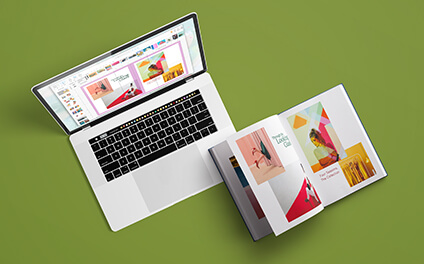
Free & Powerful
One free download puts the power to design every detail on every page straight into your hands. Bring your vision to life. -
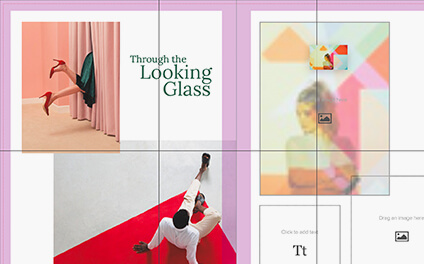
Smart Design Features
Start fast with a free template—there’s one for every project! Or create freestyle with grids, bleed lines, and trim guides. -

Bookstore Quality
With full layout, typography, and cover design capabilities for books and magazines, a professional finish is yours to love.
Try on different layouts
LIGHTROOM CC + BLURB: HOW IT WORKS
-
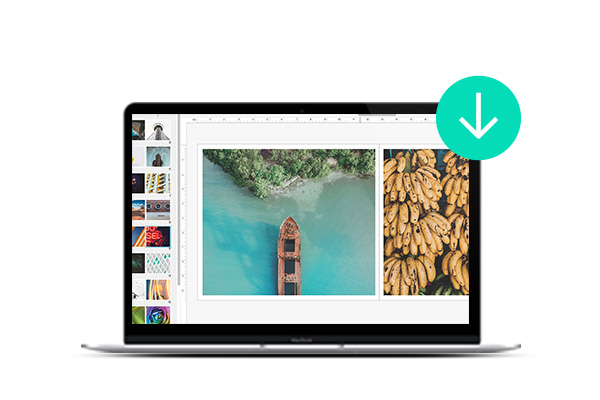
DOWNLOAD OUR
FREE TOOLUse BookWright, the free desktop layout software to create books and magazines. -
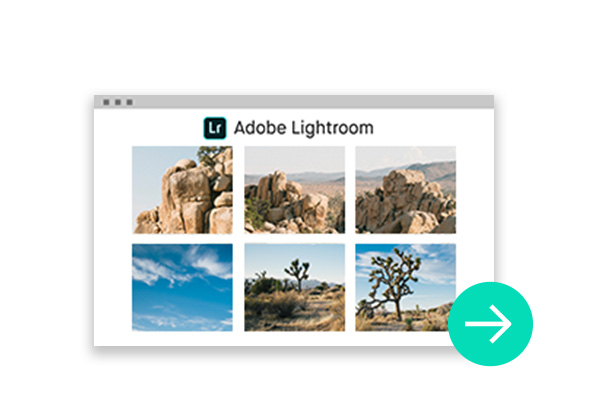
IMPORT YOUR
LIGHTROOM CC PHOTOSSelect your photos for your book layouts from your Lightroom CC catalog using BookWright’s Photo Manager module. -
CREATE YOUR
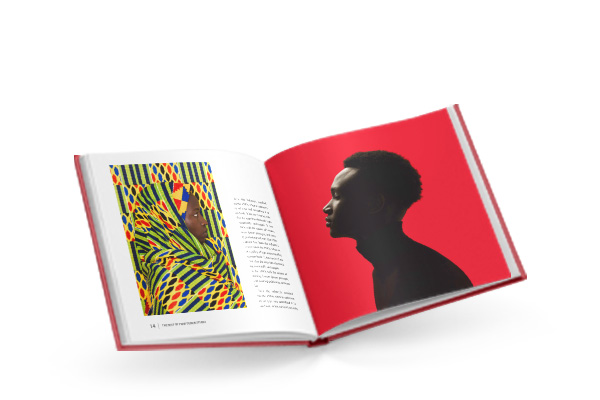
LIGHTROOM PHOTO BOOKPlace your photos into layouts using built-in premade templates, or customize your own for your photo book or magazine.
What our creators are saying
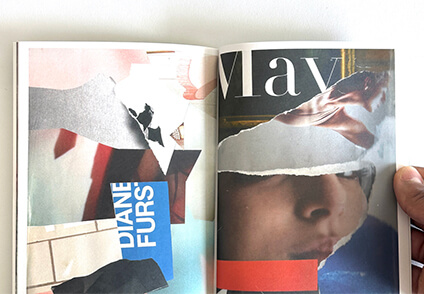
"The BookWright program is straightforward for beginners. Within the pages of this extraordinary journal, abstract and surreal landscapes come to life."

by Aaron Marin

"Since all the technical requirements like margins, image quality, and spell check are done by BookWright, I can just focus on creating the cookbook. It saves me a lot of time and headache."

right nutrient combinations COOKBOOK
by La Fonceur
"The BookWright software was nice and simple to use, and it was everything I needed. It has been a great experience, and seeing it in print is an amazing achievement."

by Ant McLean
Make Custom Wall Art
With Bookwright
-
-
Features
- Free, downloadable templates with professionally designed page layouts and layout suggestions
- Auto-image retouching enhancements and corrections from Perfectly Clear by EyeQ
- Print book and PDF output—all from the same project file
- Free unique ISBNs for every version of your book
- Rich Text Format (RTF) import for text-centric books
- Reflowable text containers
- Import of your existing Blurb book files (created in BookSmart or Bookify)
-
System Requirements
Windows - Windows 7, Windows 8, Windows 10- Intel Pentium Dual-Core or AMD Athlon II processor
- 2GB of RAM
- 500MB of available hard-disk space
- Screen Resolution - 1280x800
- Internet connection required for publishing
Mac - macOS 10.13+- Intel Core 2 Duo processor
- 2GB of RAM
- 500MB of available hard-disk space
- Screen Resolution - 1280x800
- Internet connection required for publishing
Start Your Next Project
-
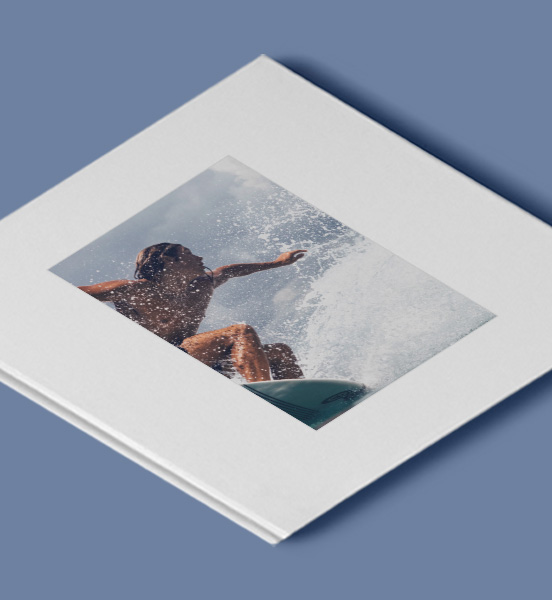
Photography
-
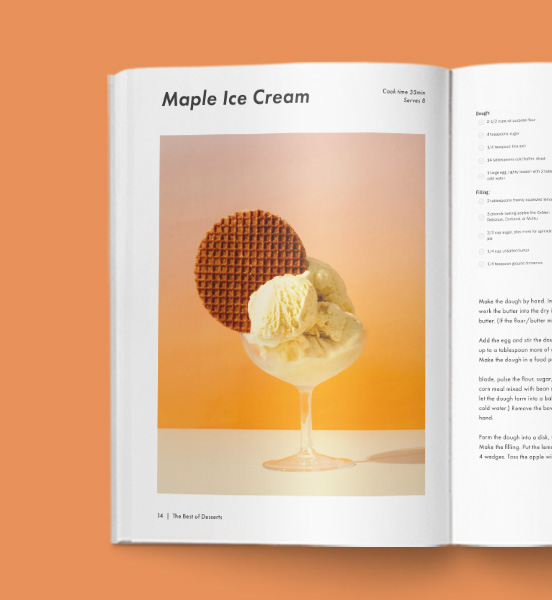
Food & Cookbooks
-

Travel Books
-

Family Photo Books
-
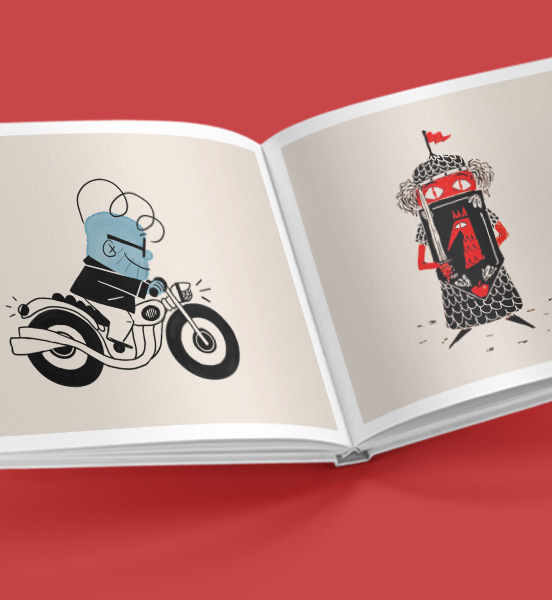
Children's Books
-

Portfolios
-
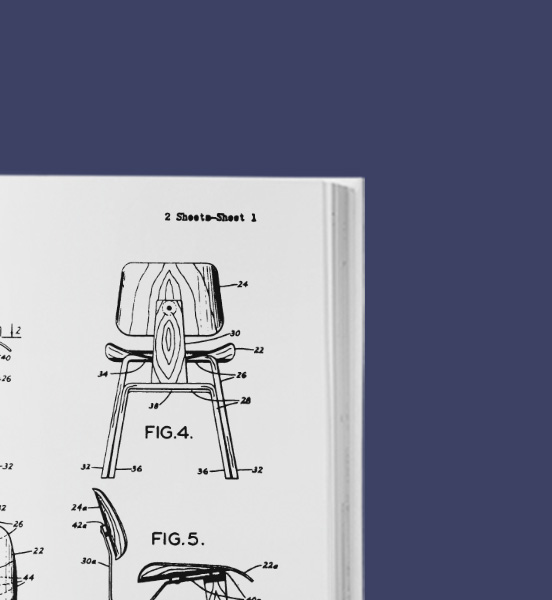
Business Books
-
Comic Books & Graphic Novels
-
More about BookWright
BookWright is a free bookmaking tool allowing authors to design and customize their own print bookstore-quality products. It is a powerful and easy-to-use publishing software app that can be used to create a variety of books, including coffee table books, professional portfolios, trade books, magazines, photo books, plus wall art
BookWright comes with several templates to choose from, depending on the type of book you want to make. It allows users to drag and drop images onto the page and get layout suggestions they can use in one click. The tool also helps users arrange visual elements and automatically flow text, as well as design their book cover, table of contents, about the author, indexes, and more. BookWright provides complete creative freedom so users can design their books any way they imagine.What are the features and benefits of using BookWright?<
BookWright offers several features and benefits over other bookmaking software tools. Here are some of the benefits of using BookWright:- Free to use: BookWright is 100% free to use. You only pay for your book when it’s ready for printing.
- Easy to use: It's also easy to use, even for beginners. BookWright offers several templates to choose from, and you can easily drag and drop images onto the page.
- Complete creative freedom: BookWright provides complete creative freedom so you can design your photo book any way you imagine. It provides a variety of page layouts and allows you to create and save your own layouts.
- Professional finish: BookWright comes with full layout, typography, and cover design capabilities creating books and magazines with a professional finish.
- Layout suggestions: The tool provides handy layout suggestions to help you balance and unclutter each page of your book.
- Autoflow text: BookWright helps you arrange text automatically, making it easy to create a professional-looking book.
- Compatibility with Adobe InDesign: If you already use Adobe InDesign, you can install the Blurb Adobe InDesign plug-in and automatically create Blurb-ready blank templates.
Overall, BookWright is a user-friendly, free, and powerful bookmaking tool that offers complete creative liberty and the capabilities to produce a professional finish.
Flexible layouts to customize your book's design
BookWright offers different layouts to choose from when designing a book. Here are several available layout options:- Designer templates: BookWright comes with 10 designer templates that you can use to quickly fill your pages with photos and text.
- Customizable templates: Blurb offers free and easy-to-use customizable templates for photo books, cookbooks, and more. These templates come with different color palettes and can be modified to suit your needs.
- Make your own layouts: The free bookmaking tool allows you to create and save your own layouts, giving you complete creative freedom.
- Layout suggestions: BookWright provides layout suggestions to help you balance and unclutter each page of your book.
In addition to these layout options, BookWright allows you to design your book cover, table of contents, about the author, indexes, and more. With BookWright, you can drag and drop images onto the page and easily integrate text to create a professional-looking book.
How Blurb works with other software
Blurb works with other software and tools in a few ways. Here are some examples:- <Adobe InDesign plug-In: If you already use Adobe InDesign, you can install the Blurb Adobe InDesign plug-in and automatically create Blurb-ready templates. You can even upload your project to your Blurb account without ever leaving InDesign.
- <Adobe Lightroom: Blurb offers a module for Adobe Lightroom, enabling you to create books or magazines directly from Lightroom. You can import photos, choose a template, and design your book using the Blurb module within Lightroom.
- <PDF Format: Blurb allows you to publish your PDF-formatted book, which can be viewed on any device that supports PDFs.
- <Amazon Distribution: Blurb offers all authors the seamless functionality to create their books, automatically publish to print, and distribute photo books anywhere via Amazon Distribution.
While BookWright is completely free, it doesn't compromise on professional-quality design capabilities. Blurb’s integration with other software makes the platform approachable and intuitive for both seasoned authors and beginners alike.
Create stunning wall art with BookWright
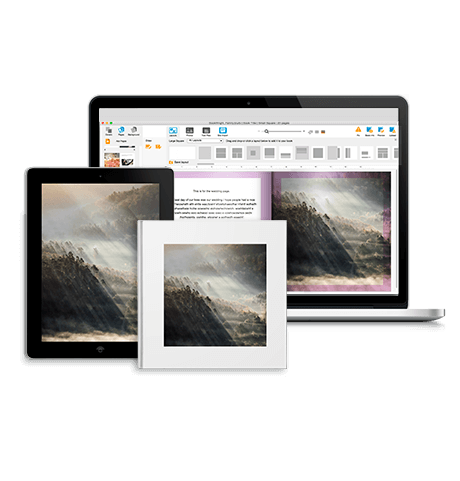
BookWright makes it simple to bring your wall art ideas to fruition. It provides complete creative freedom, allowing you to design your wall art in any way you imagine. With a variety of layouts and design suggestions, you can ensure that your piece is well-balanced and clutter-free. To learn more about creating wall art with BookWright, follow these easy steps.