Book design tools for every kind of project
From beginner-friendly options to pro-level Adobe integrations, we’ve got the right tool to suit your workflow, experience, and creative vision.Explore our design tools
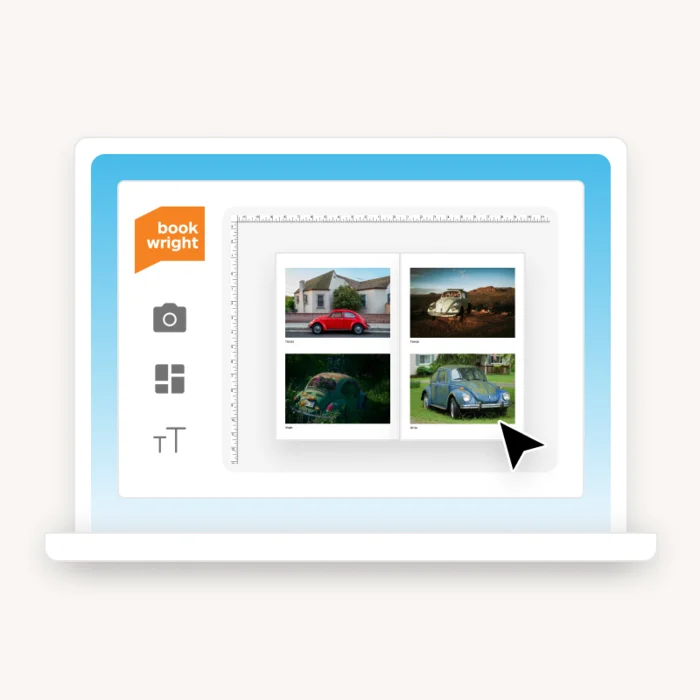
BookWright by Blurb
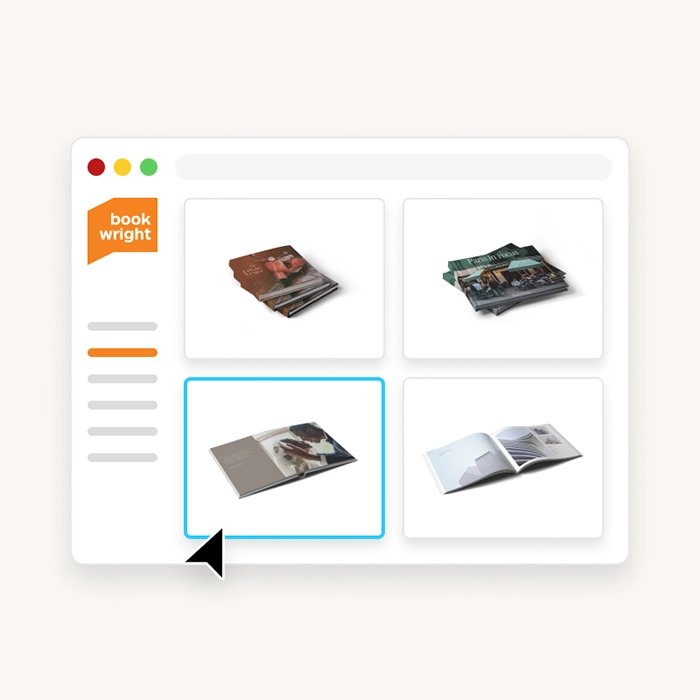
BookWright Online
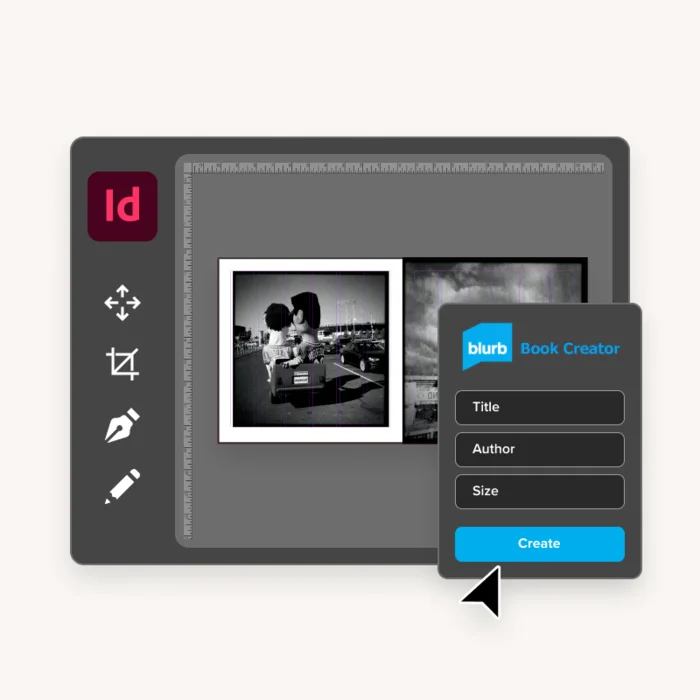
Blurb plugin for Adobe InDesign
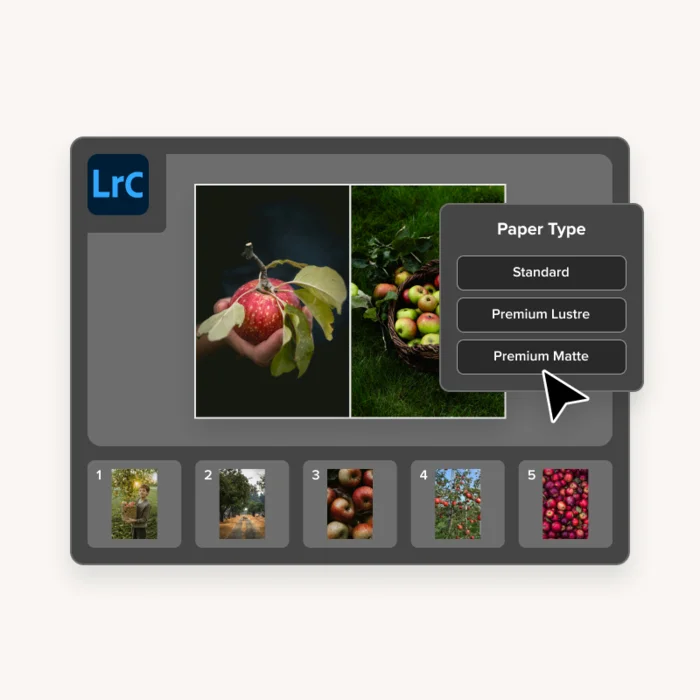
Blurb Presets for Adobe Photoshop Lightroom Classic
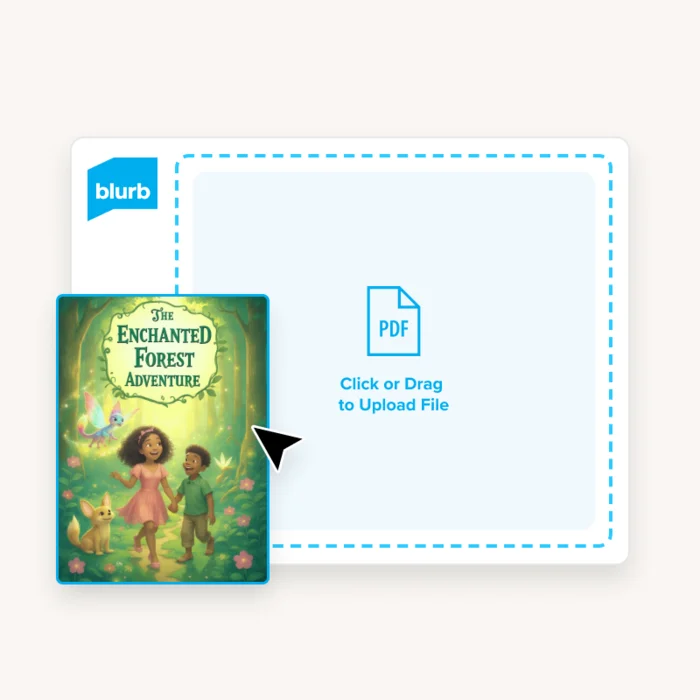
Blurb PDF Uploader
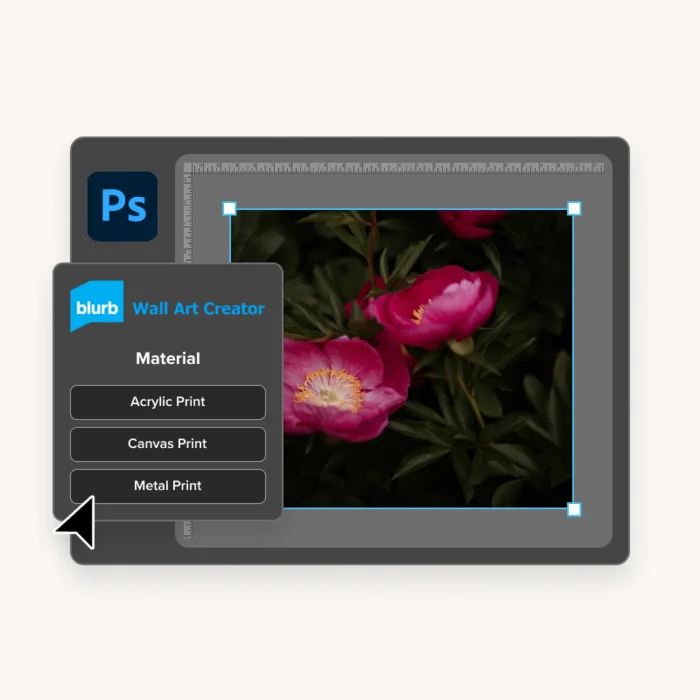
Blurb Wall Art Plugin for Adobe Photoshop
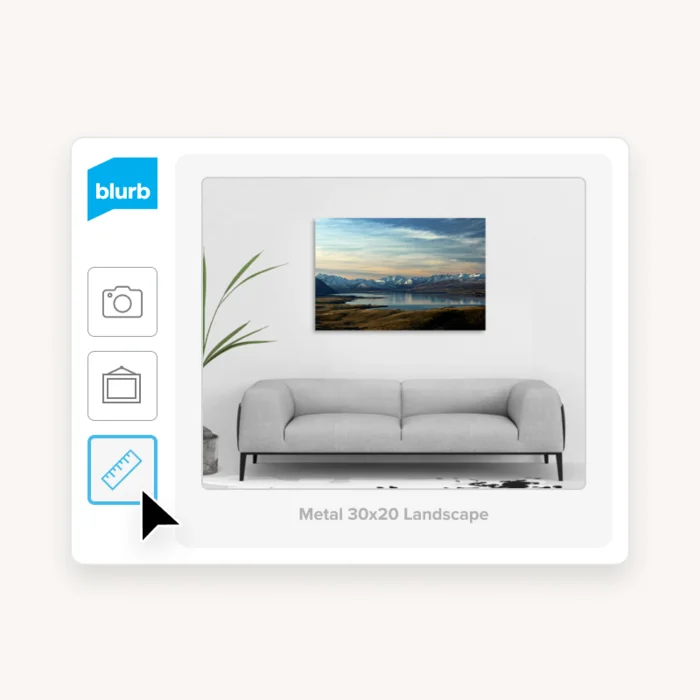
Blurb Online Wall Art Editor
BookWright by Blurb
BookWright Online
Blurb plugin for Adobe InDesign
Blurb Presets for Adobe Photoshop Lightroom Classic
Blurb PDF Uploader
Blurb Wall Art Plugin for Adobe Photoshop
Blurb Online Wall Art Editor
Which tool is right for you?
| Tool |  BookWright by Blurb BookWright by Blurb | BookWright Online |  Blurb plugin for Adobe InDesign Blurb plugin for Adobe InDesign |  Blurb Presets for Adobe Photoshop Lightroom Classic Blurb Presets for Adobe Photoshop Lightroom Classic |  Blurb PDF Uploader Blurb PDF Uploader |  Blurb Wall Art Plugin for Adobe Photoshop Blurb Wall Art Plugin for Adobe Photoshop |
| Best for | Freestyle page design with built-in support | Anyone who wants to make a quick photo book without downloading software | Artists and designers creating professional layouts in Adobe InDesign | Photographers who organize and edit their photos in Lightroom | Bookmakers working in Microsoft Word, Canva, or other design tools | Artists and designers creating in Adobe Photoshop |
| What can I create? | Books, magazines, notebooks, journals, wall art | Photo books | Books, magazines, notebooks, and journals | Photo books | Books, magazines | Canvas, metal, and acrylic wall art |
| Platform | Desktop app (Mac & Windows) | Online tool | Adobe InDesign plugin | Adobe Lightroom built-in module | Online tool | Adobe Photoshop plugin |
| Key features |
|
|
|
|
|
|
| Creative confidence | Beginner, Intermediate | Beginner | Advanced | Intermediate, Advanced | Beginner | Beginner |
| Average project time | Moderate | Quick | More in-depth | Moderate | Quick | Quick |
| * Tool available in English only |
Ready to start creating?
Real projects brought to life with our tools


Design tool FAQs
Are Blurb’s tools free to use?
Yes! All of our book design software and bookmaking tools are completely free to use, with no purchase required until you choose to print your book.
Note: To use the Blurb plugins for Adobe InDesign and Adobe Lightroom, you must have the relevant Adobe subscription.
What are the system requirements for running BookWright?
All you need is a PC running Microsoft Windows 7 or Vista, or a Mac running OS X 10.13 or later. For more detailed technical requirements, including RAM and screen resolution, read our help center article.
What is the difference between BookWright and BookWright Online?
Think of BookWright Online as the quick and easy version of our full-featured BookWright desktop app. Let’s break down the differences:
- • BookWright Online offers quick, simple book design software that works right in your browser, perfect for making a book without any downloads. It’s great for creating simple photo books, including layflat options, with straightforward design tools that keep things quick and fun.
- • BookWright is a powerful desktop app for Mac and Windows. Its full-featured bookmaking software lets you dive deeper, creating not just photo books, but paperback and hardback books, magazines, and even wall art. You get full creative control with all the design and layout options you could want.
If you’re looking for speed and simplicity, BookWright Online has you covered. But if you want to unleash your full creative potential, BookWright is the way to go.
Can I design my book in Canva?
Yes! You can make a book in Canva, download it as a PDF, and use Blurb’s PDF Uploader workflow to print it.
Can I design my book using Adobe software?
Yes. Our plugins for Adobe InDesign and Adobe Photoshop and Blurb Presets for Adobe Photoshop Lightroom Classic allow you to design and upload books and magazines for print, without ever leaving your Adobe workflow.
Can I use a template to design my book?
You sure can—and we’ve got options no matter how you like to create.
- • BookWright (desktop app) Start with a professionally designed template tailored to your book type—photo books, notebooks, magazines, and more. Just drag, drop, and make it yours.
- • BookWright Online Want to move fast? Choose from simple, clean layouts that make it easy to start creating in your browser. No downloads needed.
- • Blurb plugin for Adobe InDesign Our plugin builds a print-ready template for you based on your specs, complete with bleed, trim, and safety guides. Just plug in your content and go.
- • Blurb Presets for Adobe Photoshop Lightroom Classic Pick from 100+ customizable layouts designed with photographers in mind. Perfect for showcasing your best shots.
- • Blurb iOS App On the go? Choose from three smart layouts built to fit your photos—whether they’re square, portrait, or landscape.
What can I create with Blurb’s book design tools?
A lot—depending on the tool you choose.
Use BookWright for the most flexibility: create everything from photo books and magazines to notebooks, journals, and even wall art.
Prefer working in your browser? BookWright Online makes it easy to build beautiful photo books, including Layflat formats, right from your web browser.
If you're a designer using Adobe InDesign or already have a finished layout, our InDesign plugin and PDF Uploader let you create pro-quality photo books, paperback and hardcover books, and magazines with precision.
Photographers can use the Blurb Presets for Adobe Photoshop Lightroom Classic to turn edited images into stunning photo books or magazines.
Want to create wall art? Use our Blurb Online Wall Art Editor or Blurb Wall Art Plugin for Adobe Photoshop for pixel-perfect prints.